All B-Agent apps Home
Case study · B-Agent

B-Agent Efor

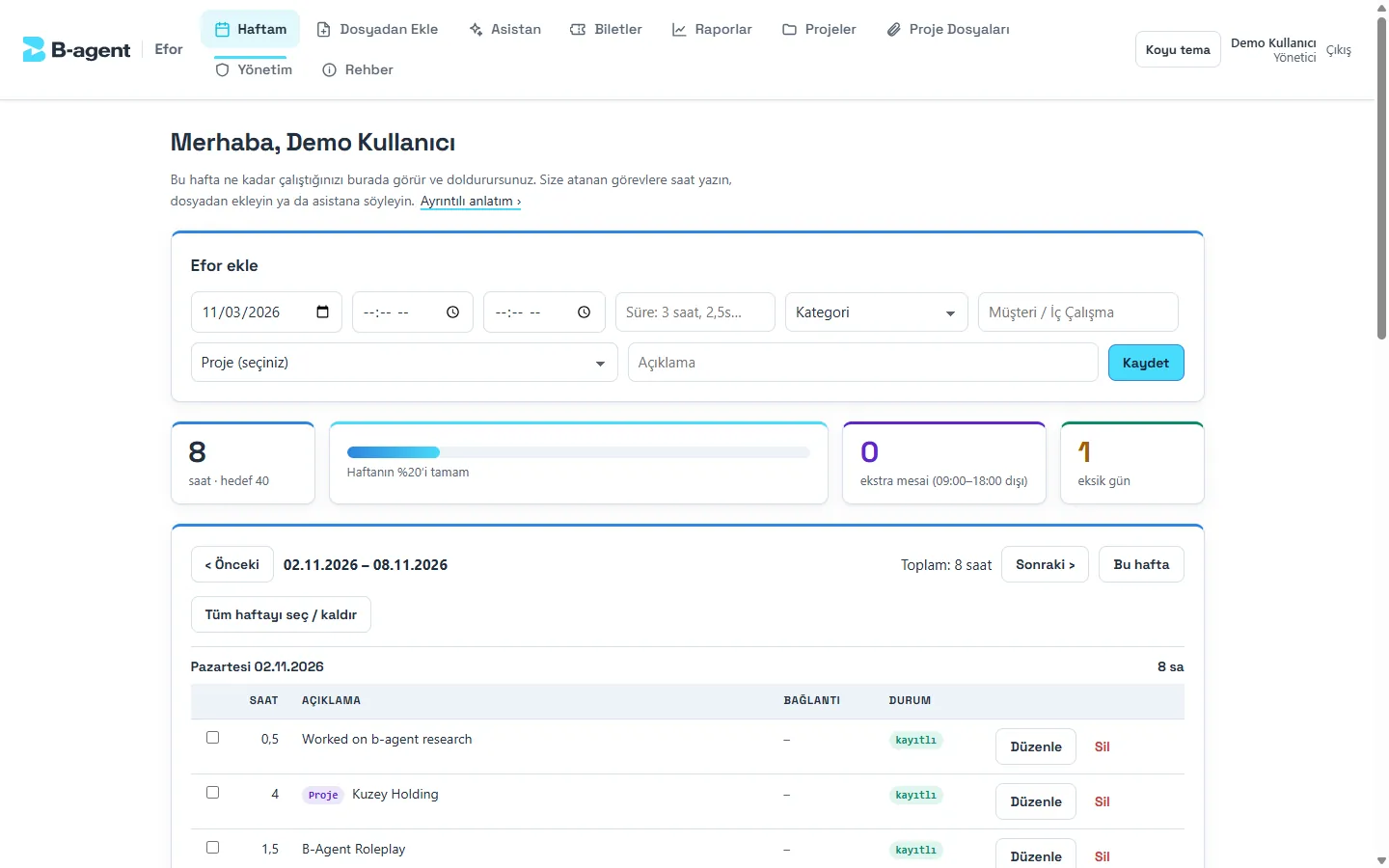
Log work hours however you like; AI turns them into reports.

Built it end to end, including a public, company-free preview repository generated from the private one.

4ways to report effort
6checks that block a save
2Microsoft tenants behind one sign-in
30 minPlanner re-sync interval
The problem

Technical teams log effort in whatever they already keep: an Excel sheet, a notepad file or a sentence. Turning that into consistent rows for project reports was manual work, and a model that guesses hours is not acceptable for reporting.

The approach

AI reads, code decides. The model only interprets layouts and free text; dates, hours, totals, duplicate checks and every database write are tested code, and nothing is saved until the person confirms it next to the source.

How it works

From request to answer, step by step.

  1. 01Any inputExcel, a text file, a chat sentence or calendar meetings
  2. 02Pre-readFile turned into a grid with a layout fingerprint
  3. 03Pick a readerStandard form rules, a learned layout, or the model
  4. 04Normalise and checkCode parses Turkish dates and hours, flags duplicates and gaps
  5. 05Link to PlannerEach row matched to a task in the project's plan
  6. 06Person confirmsDraft rows shown beside the source, saved with one click
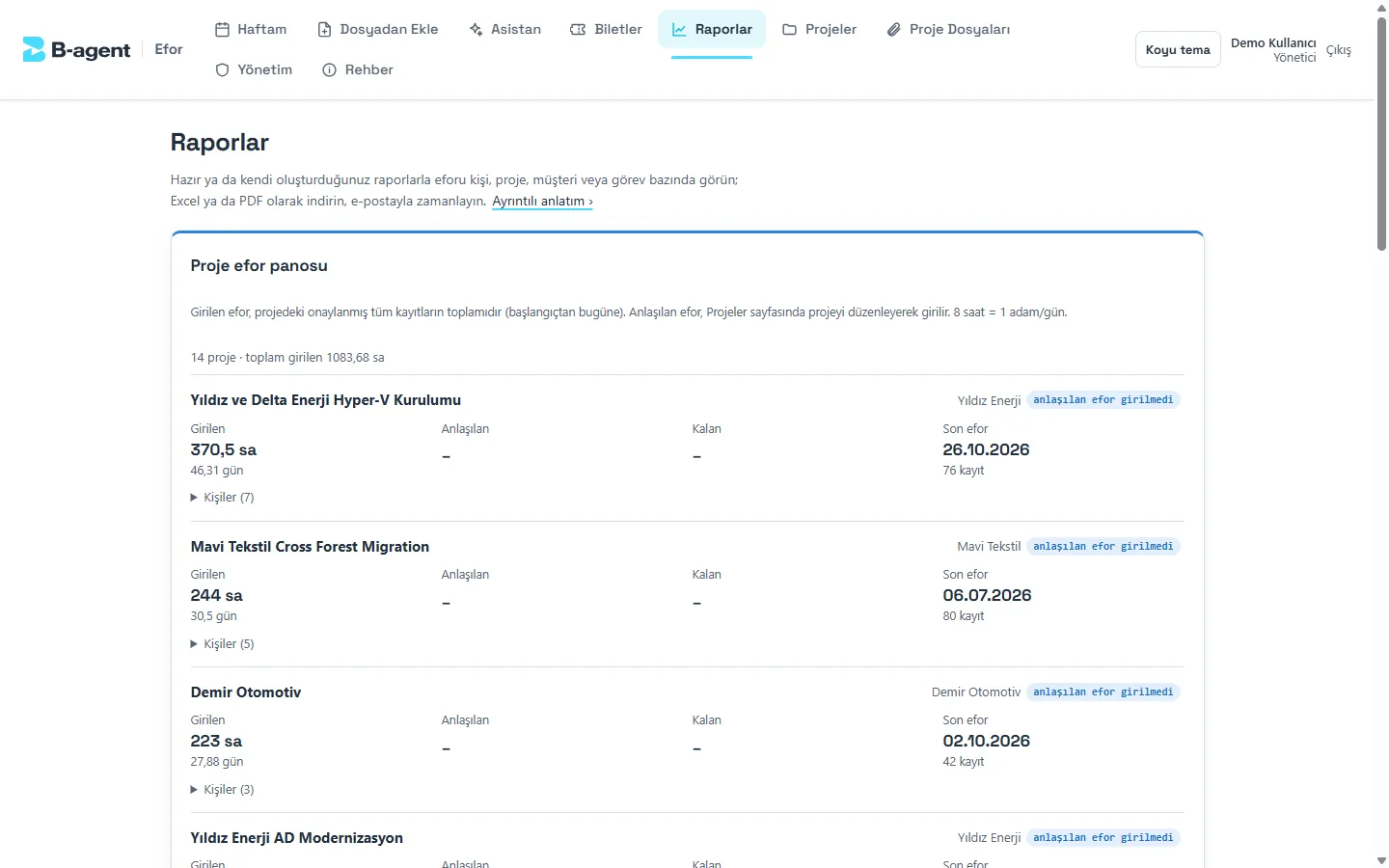
  7. 07ReportsExcel with live formulas, PDF, scheduled email, missing-day reminders

What it does

  • Report effort as an Excel sheet, a text file, a chat sentence or calendar meetings.
  • Check the AI-drafted rows next to the source and confirm with one click.
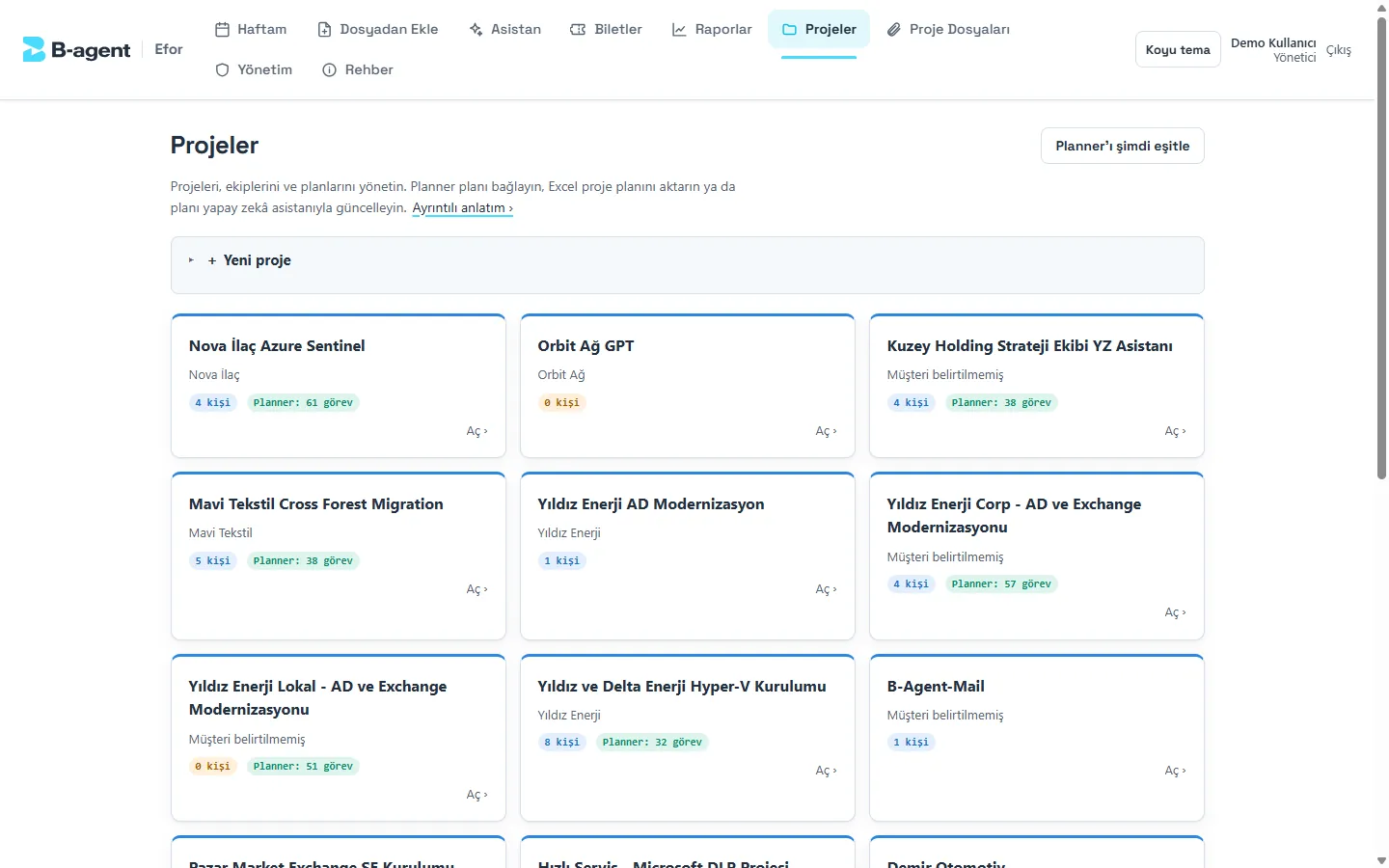
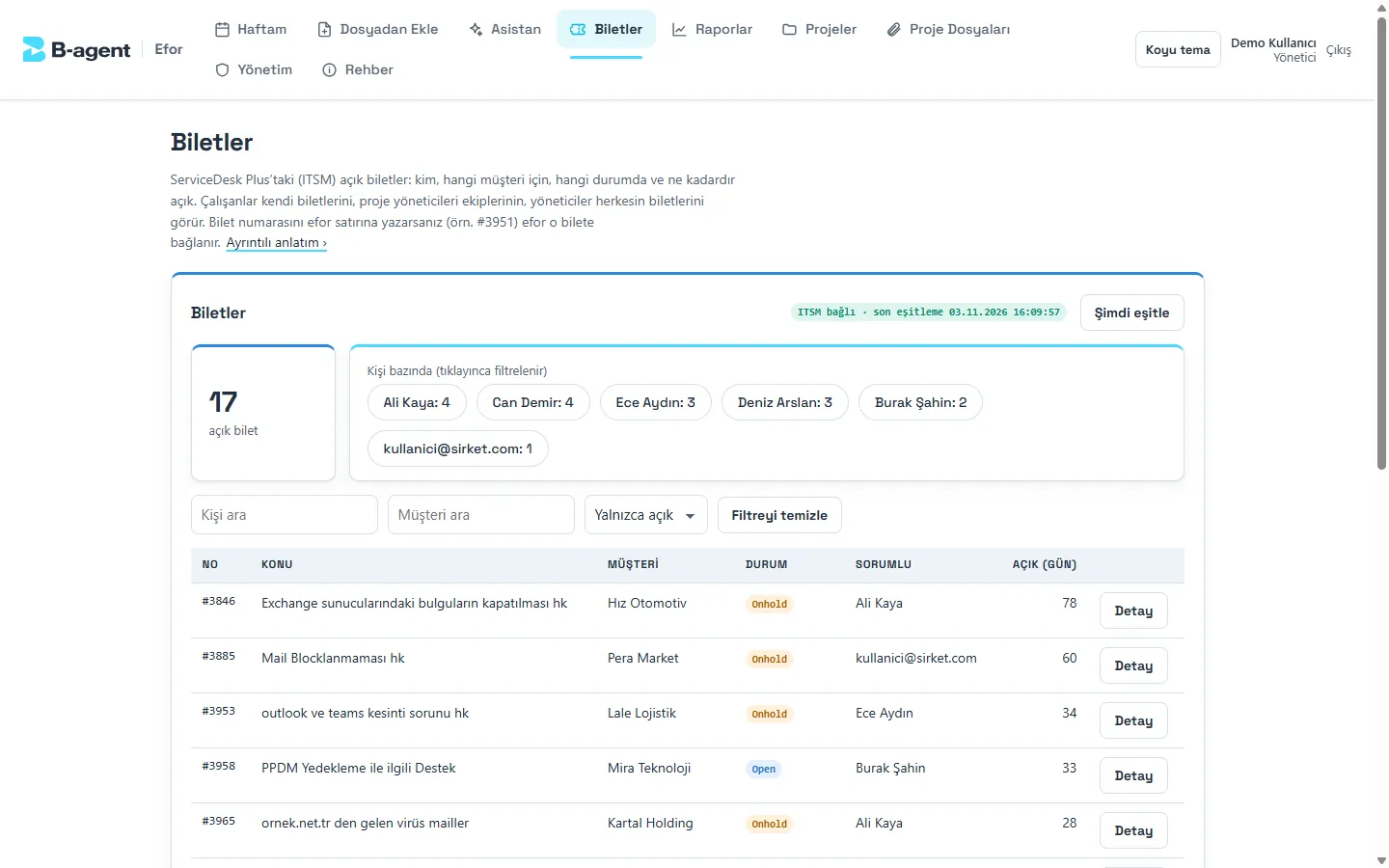
  • See your week, projects, tickets and project files in one place.
  • Ready-made reports, Excel with live formulas, PDF, scheduled emails, missing-day reminders.

Under the hood

  • AI reads, code decides: dates, hours, totals and every database write are tested code.
  • A confirmed file layout is remembered, so the next file in that layout skips the model.
  • Syncs with Microsoft Planner and the ServiceDesk; calendar access is per person and read-only.
  • Tested end to end, with database tests on in-process PostgreSQL.
Hard problems

What took real engineering.

Problem 1

Numbers must trace back to the source

A model that invents hours is worse than no model. Every hour figure or time range the model extracts must appear in the source text, or the row is blocked, one of six checks that stop a save. The chat assistant follows the same rule: a reply containing a number that no tool result or user message supports is not let through.

Problem 2

Learn a layout once, skip the model

Each sheet gets a fingerprint of its layout that ignores the data underneath. When a person confirms how the model mapped a layout's columns, the mapping is saved, and the next file in that layout is read by fixed rules with no model call. The team's standard daily form is recognised by its header row and never goes to the model at all.

Problem 3

Calendar meetings as effort, never twice

Meetings can become effort, but only from each person's own calendar, read-only, with delegated consent. The consent flow returns to the sign-in redirect that was already registered, routed by a short-lived cookie, so switching it on needed no change to the app registration. Each saved meeting carries its event id, so the same meeting can never be added twice.

Built with
TypeScriptNode.jsPostgreSQLAzure OpenAIMicrosoft GraphVitest